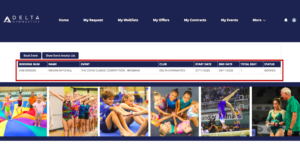

HOW TO NOMINATE FOR AN EVENT
WATCH VIDEO or follow the step by step procedure below.
1.Click on My Events at the top of the portal homepage.
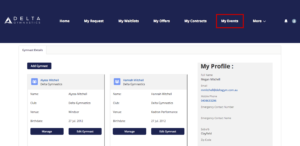
2.You can then select the Event name you’re booking for your gymnast/s by selecting the drop down.
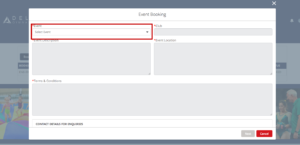
3. Select your gymnasts Level and complete Emergency Contact details, followed by Next.
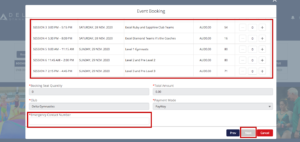
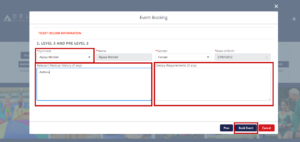
4. Select Gymnast’s name from the drop down and complete Medical / Dietary requirements, followed by Book Event to nominate.
. 
5. You will then see a Successful Booking screen at the top of the page and should receive a confirmation of booking email. Your Event bookings will then be listed under My Events for your convenience.